
AI Video Editing for Business Owners: A Practical Guide to Faster, Better Marketing Videos
How to use AI video tools like Descript, Opus Clip, and CapCut to edit, caption, and repurpose your marketing videos, even if you have zero editing experience.
By Jared Saucier March 25, 2026 9 min read
Video Production Is Being Transformed by AI, Not Replaced
Every month brings a new wave of AI video tools promising to revolutionize production. Many of them deliver real value. AI can now auto-caption videos with near-perfect accuracy, generate rough cuts from hours of footage, create B-roll from text prompts, and repurpose a single long-form video into dozens of platform-optimized clips. For marketing agencies, this means faster turnaround, lower production costs, and the ability to give clients more content from every shoot.
It's important to understand AI's actual strengths and limitations in this space: the most important parts of video marketing (storytelling, creative direction, on-camera presence, and emotional resonance) remain deeply human. Agencies that use AI to handle the time-consuming parts of production while doubling down on creative strategy are the ones seeing the strongest results.
of marketing agencies report using AI in their video production workflow as of early 2026, up from 23% in 2024
Wyzowl State of Video Marketing, 2026
Where AI Fits in the Video Production Workflow
Understanding where AI adds the most value, and where it falls short, helps agencies allocate resources intelligently:
Pre-Production
- Script generation and outlines: AI can generate interview questions, video scripts, and shot lists based on creative briefs. Best used as a starting point rather than final copy.
- Research and competitive analysis: AI can quickly analyze competitor video content, identify trending formats, and suggest content angles based on performance data.
- Storyboarding: AI image generators can create rough visual storyboards from text descriptions, speeding up the concepting phase.
Production (On Set)
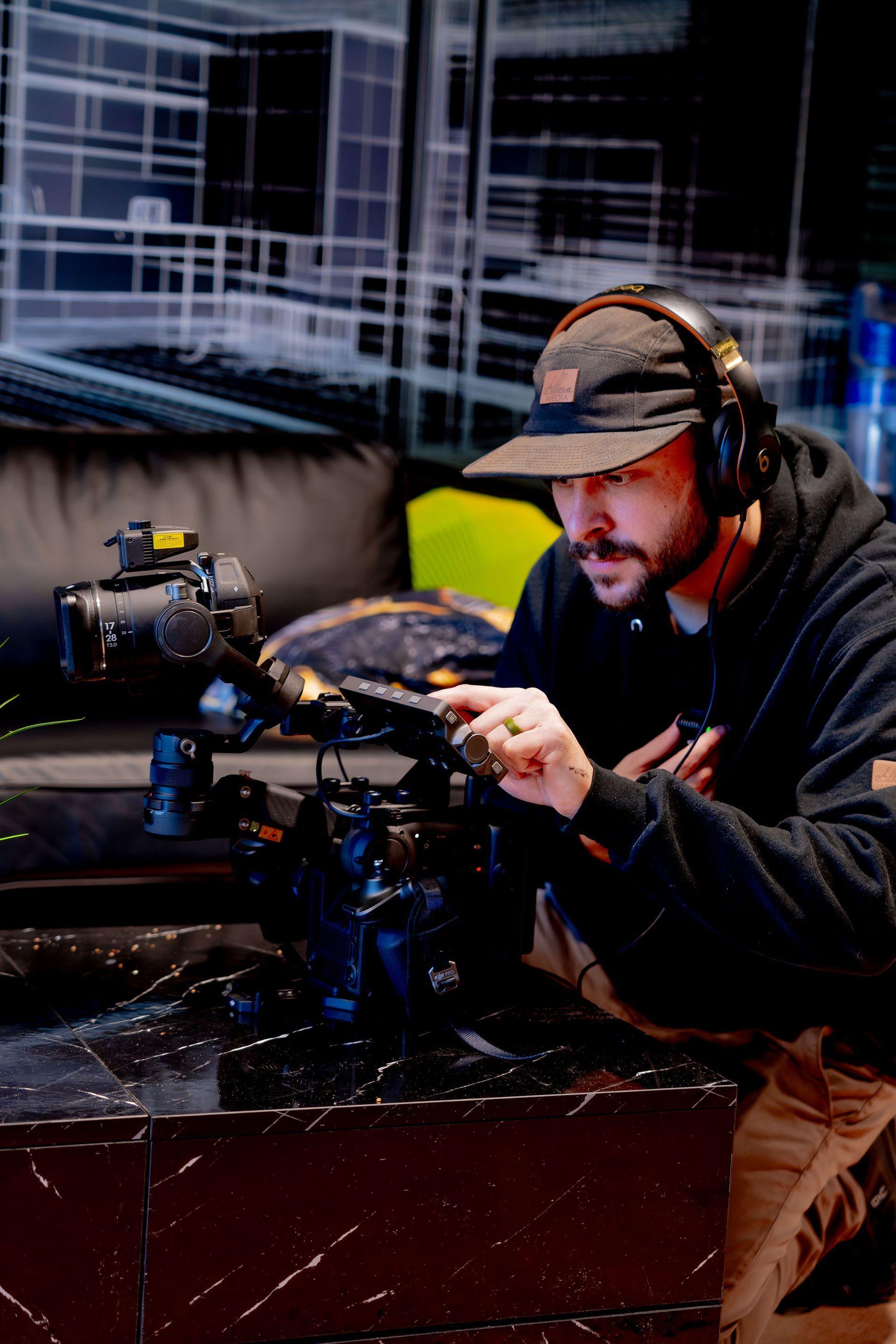
This is where AI has the least impact. Camera operation, lighting, directing talent, and capturing authentic moments require physical presence and human judgment. AI gimbal stabilization and auto-focus improvements enhance the operator's capabilities, but the core craft remains hands-on.
Post-Production
- Auto-editing: tools like Descript let you edit video by editing a transcript, automatically removing filler words and dead air
- Captioning and subtitles: AI-generated captions are now 95%+ accurate, and auto-translate features make multilingual content accessible
- Color grading: AI can match color profiles across clips and suggest grades based on the mood you're going for
- Audio cleanup: background noise removal, voice enhancement, and audio leveling are now almost fully automated
- Short-form repurposing: tools like Opus Clip and Vizard can identify highlight moments in long-form video and generate platform-ready clips for Reels, TikTok, and Shorts
saved per project on average when agencies use AI-assisted editing versus fully manual post-production
Frame.io Agency Productivity Survey, 2025
AI Video Tools Worth Using in 2026
The AI video tool market is crowded, but these categories have proven most useful for marketing agencies producing client content:
- Descript: transcript-based video editing, filler word removal, screen recording, and AI voice cloning for overdubs. The closest thing to a word processor for video.
- Opus Clip / Vizard: long-form to short-form repurposing. Upload a 30-minute video and get 15 platform-optimized clips with captions and hooks.
- Captions App: auto-captioning with styled text animations, eye-contact correction, and AI-generated B-roll overlays. Great for talking-head content.
- Runway ML: AI-powered visual effects, background removal, color grading, and generative video for motion graphics and creative experimentation.
- ElevenLabs: AI voiceover and narration. Useful for explainer videos, podcast repurposing, and creating voiceovers in multiple languages.
- HeyGen: AI avatar videos for internal communications, training content, and quick update videos when filming isn't practical.
Quality Check
AI-generated video content (fully synthetic) is improving rapidly but still falls short for brand marketing. Use AI for production assistance (editing, captioning, repurposing) rather than generating entire videos from scratch.
What AI Can't Replace in Video Marketing
This is where agencies should be transparent with clients, and with themselves. Current AI tools are most complementary to human skills in production, not a replacement for them:
- Creative direction and concept development: the idea behind a video matters more than the tools used to produce it
- On-camera talent and authentic emotion: real people sharing real experiences builds trust in ways AI avatars cannot match
- Professional cinematography: camera movement, framing, lensing, and lighting create the visual quality that separates professional content from amateur
- Brand-specific storytelling: AI doesn't understand your client's business, their customers' pain points, or the nuances of their local market
- Client relationships and collaboration: understanding a client's vision, managing expectations, and iterating on feedback is inherently human
“Agencies finding the strongest results are leveraging AI where it improves speed (editing, captioning, repurposing) while keeping human talent for strategy, creative direction, and client relationships.”
How to Evaluate Your Video Content Quality
AI editing tools can make your videos look more polished, but they can't fix fundamental problems. Before you publish, run your video through this quick quality check:
- Audio clarity: Can you understand every word without straining? If there's background noise, run the audio through Descript or Adobe Podcast's AI noise removal before exporting.
- First 3 seconds: Does the video hook attention immediately? If the first few seconds are a logo intro or someone saying 'um,' trim it. Start with the most interesting moment.
- Captions: Are captions accurate and properly timed? AI captions are good but not perfect. Scan for errors in names, industry terms, and numbers.
- Length: Is this the right length for the platform? Instagram Reels perform best at 15–30 seconds, YouTube at 8–15 minutes, and Facebook at 30–90 seconds.
- Call to action: Does the video tell the viewer what to do next? Even a simple 'Visit our website' or 'Call for a free estimate' gives them a next step.
The Phone Test
Watch your video on your phone with the sound off. Can you still understand the main message from the visuals and captions alone? Most social media video is watched on mute, so if your message doesn't come through without audio, it needs work.
New from the blog, by email
One note when Allora Media publishes something worth reading. No spam, unsubscribe any time.
Questions
More to read
Ready to apply these strategies to your business?
Book a free strategy call. We'll review your current marketing, show you the biggest opportunities, and give you a clear plan, whether you work with us or not.