
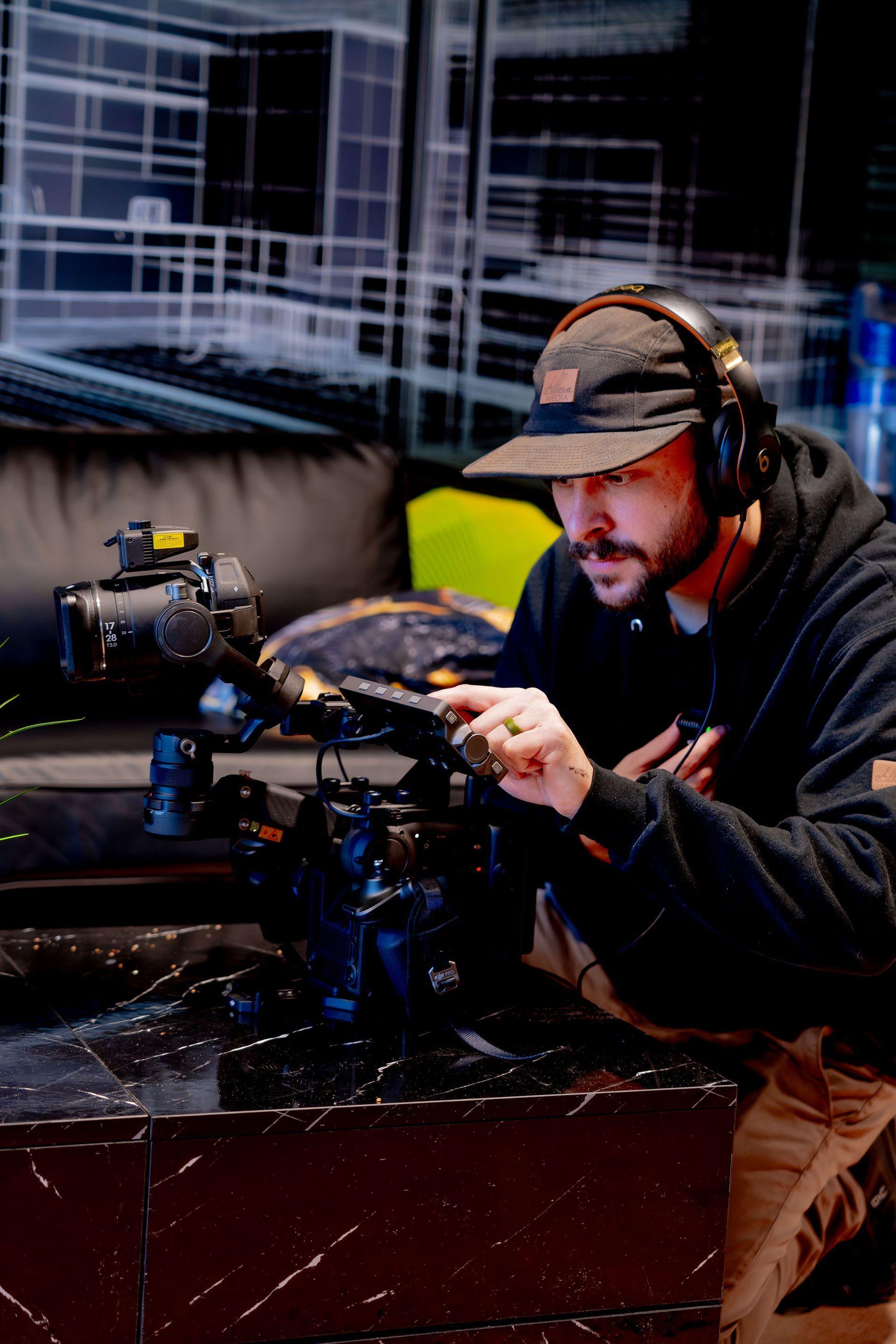
Video Production Gear Guide for Small Business: From $500 to $5,000+
The exact equipment to prioritize for testimonial videos, brand stories, and social content, at every budget level from starter to serious in-house setup.
By Jared Saucier February 1, 2026 8 min read
Professional Video Is More Accessible Than You Think
One of the biggest barriers to creating video content is the assumption that it requires expensive equipment. In reality, some of the highest-performing video content we've produced for local businesses was shot with gear that costs less than a single month of ad spend. The difference between amateur-looking and professional-looking video comes down to knowing which equipment to prioritize and how to use it effectively.
This guide breaks down the gear you actually need to create testimonial videos, brand stories, and social media content at three budget tiers. Whether you're starting from zero with $500 or ready to invest $5,000+ in a serious in-house setup, here's where to put your dollars first.
The Five Equipment Categories That Matter
- Camera: from smartphones with the right settings to mirrorless cameras that shoot cinematic footage. Sensor size, dynamic range, and codec matter more than raw resolution.
- Audio: the single biggest determinant of perceived quality after lighting. Lavalier mics, shotgun mics, and wireless systems capture clean, professional dialogue at every budget level.
- Lighting: controlled light makes any subject look sharper and more professional. LED panel kits and well-used natural light beat expensive cameras shooting in bad conditions.
- Stabilization: tripods, gimbals, and mounting solutions that eliminate shaky footage. Match the tool to the type of shot you're capturing.
- Editing software: the tools to cut, color-correct, and export. Both free and paid options can produce broadcast-quality results.
Tier 1: Starter Setup (~$500)
At this tier, you're using your smartphone as the camera and putting every other dollar into the things that actually move quality: audio and lighting. A modern phone shoots better than most cameras did a decade ago. The gap shows up in everything around the camera.
- Camera: your existing smartphone (shoot in the highest resolution and frame rate available).
- Audio: a wired lavalier mic that plugs into your phone for clean voice capture.
- Lighting: a single LED panel or ring light with a diffuser.
- Stabilization: a basic tripod with a phone mount.
- Editing: free software like CapCut, DaVinci Resolve, or your phone's native editor.
Tier 2: Intermediate Setup (~$1,500–$2,500)
This is the tier where you make the jump from "good for social" to "good enough for client testimonials and website hero videos." The biggest upgrade is a dedicated camera and a wireless mic system that makes shoots dramatically faster.
- Camera: an entry-level mirrorless camera with a flat picture profile and good autofocus.
- Audio: a wireless lavalier system (DJI Mic, Rode Wireless GO, or similar).
- Lighting: a two-light LED kit with softboxes for controllable key and fill.
- Stabilization: a fluid-head tripod, plus a small gimbal for moving shots.
- Editing: DaVinci Resolve (free tier is excellent) or Adobe Premiere Pro.
Tier 3: Serious In-House Setup ($5,000+)
At this tier, you're building a small studio capable of producing brand films, ad creative, and recurring content at near-agency quality. Investing here only makes sense if you're producing video regularly. Otherwise you're better off allocating that budget to a professional production team for a few high-impact shoots a year.
- Camera: a higher-end mirrorless or cinema camera with full-frame sensor.
- Audio: a wireless system plus a shotgun mic and a portable recorder for backup.
- Lighting: a three-point lighting kit with COB LEDs, softboxes, and modifiers.
- Stabilization: a heavy-duty fluid-head tripod, a gimbal rated for your camera, and a slider for cinematic moves.
- Editing: Premiere Pro or DaVinci Resolve Studio, plus a dedicated editing workstation.
Audio over camera, every time
If you have to choose between upgrading your camera or your mic, upgrade the mic. Audiences forgive imperfect video. They tune out instantly on bad audio.
A Marketing-First Approach to Gear
Every recommendation here is based on what we've actually used to produce content for local businesses: content that performed, generated leads, and built brands. The focus is on practical results: gear that helps you create content that connects with your audience and supports your business goals.
If you've been wanting to create more video but the equipment decisions felt overwhelming, pick your budget tier, get the gear, and start producing. If you'd rather have a professional crew handle it, our production team is built for exactly that.
New from the blog, by email
One note when Allora Media publishes something worth reading. No spam, unsubscribe any time.
Questions
More to read
Ready to apply these strategies to your business?
Book a free strategy call. We'll review your current marketing, show you the biggest opportunities, and give you a clear plan, whether you work with us or not.